Different formats, same text
The comparison works on the text, not the format: a different layout, font or margins do not show up as differences.
You have the Word version and a PDF comes back, maybe signed. Raffronto compares the text of the two files even though the formats differ, and shows every word added, removed or moved, page by page.
The comparison works on the text, not the format: a different layout, font or margins do not show up as differences.
Check that the PDF to sign, or already signed, says exactly what the Word file said. Signatures, stamps and images that were added or removed are flagged.
The PDF must contain selectable text, like those exported from Word or downloaded from portals. A paper scan is only a picture and cannot be compared.
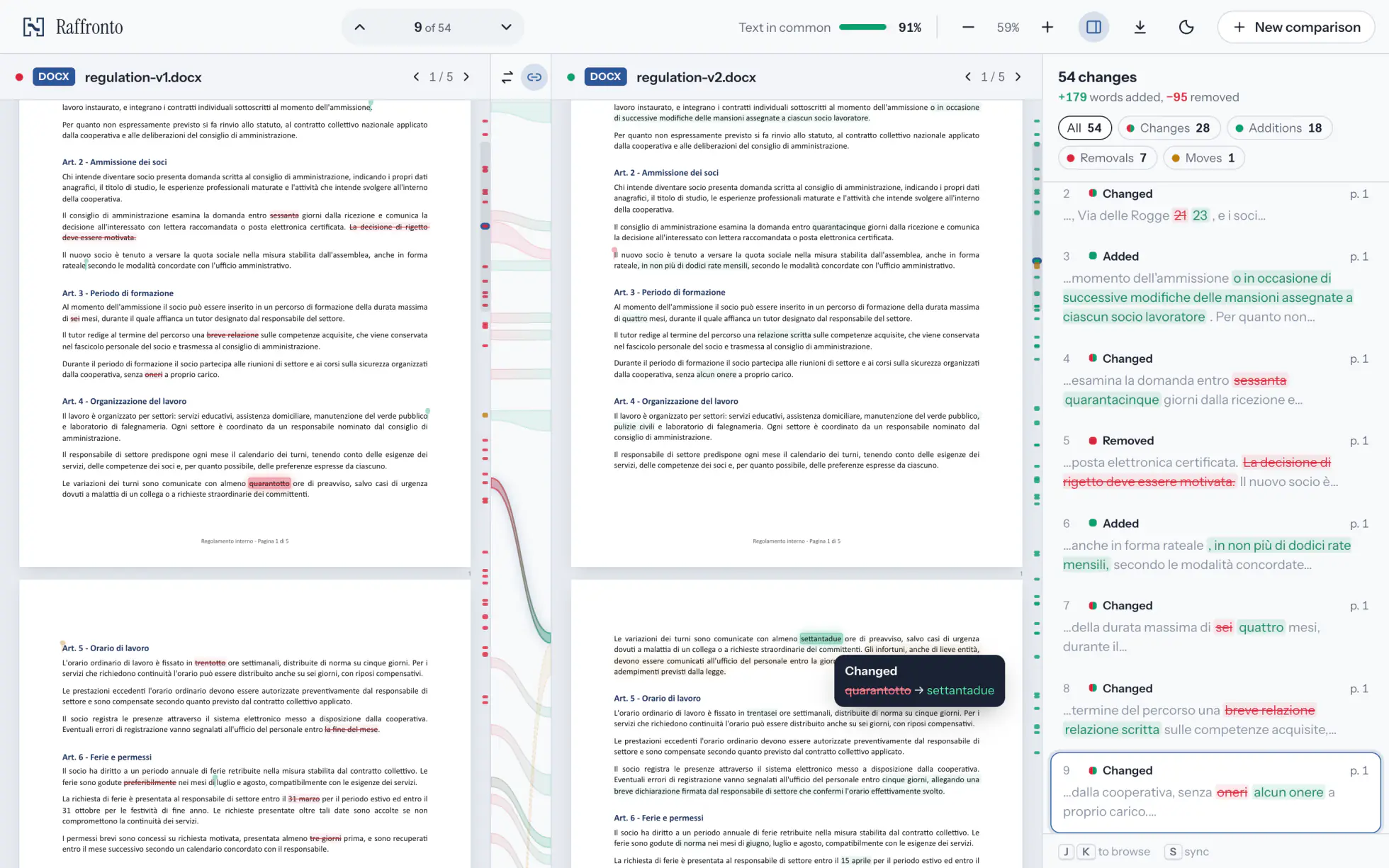
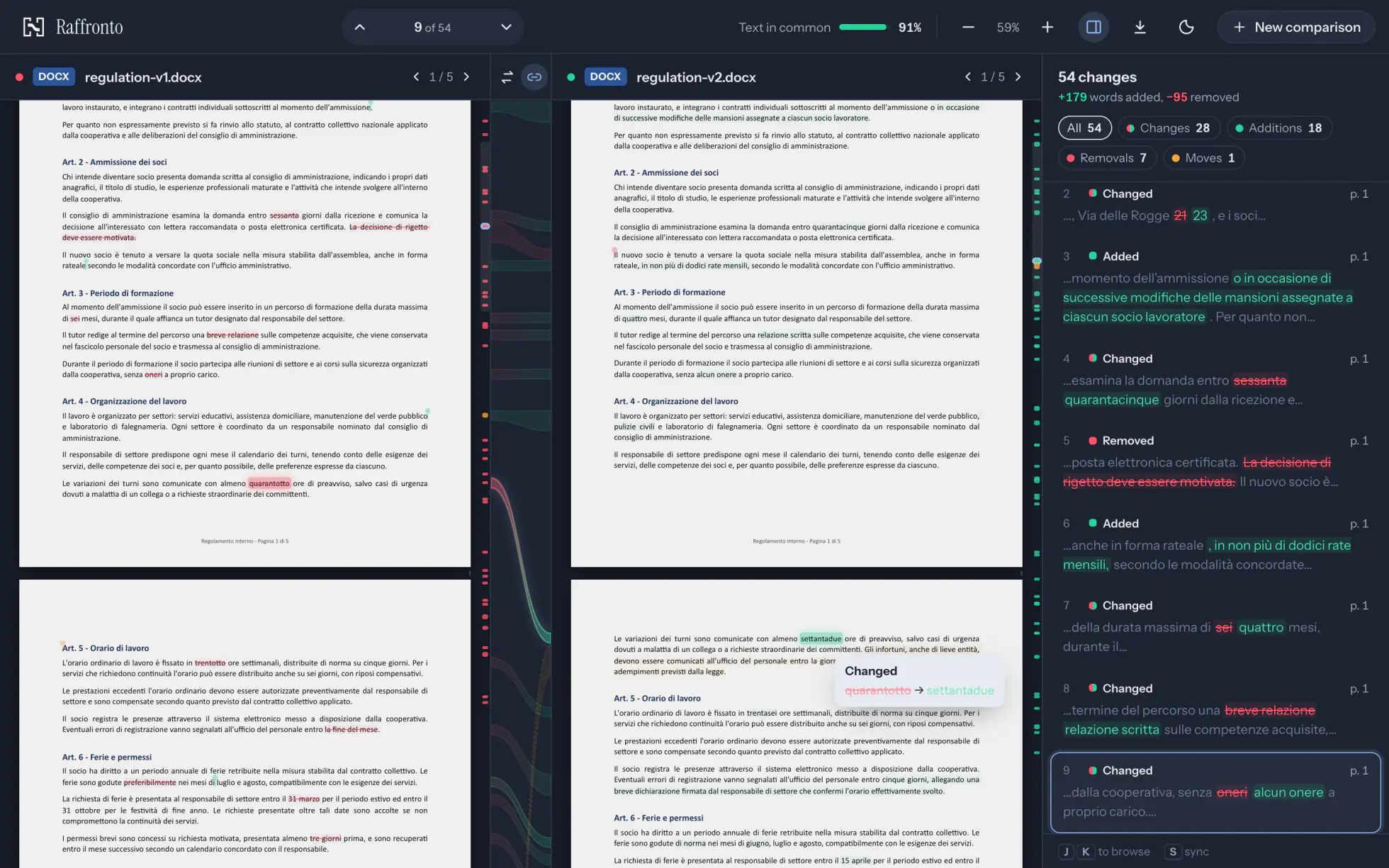
Page by page, Word or PDF, even one against the other. Every change is linked to the same spot in the other version: point at it and both light up.
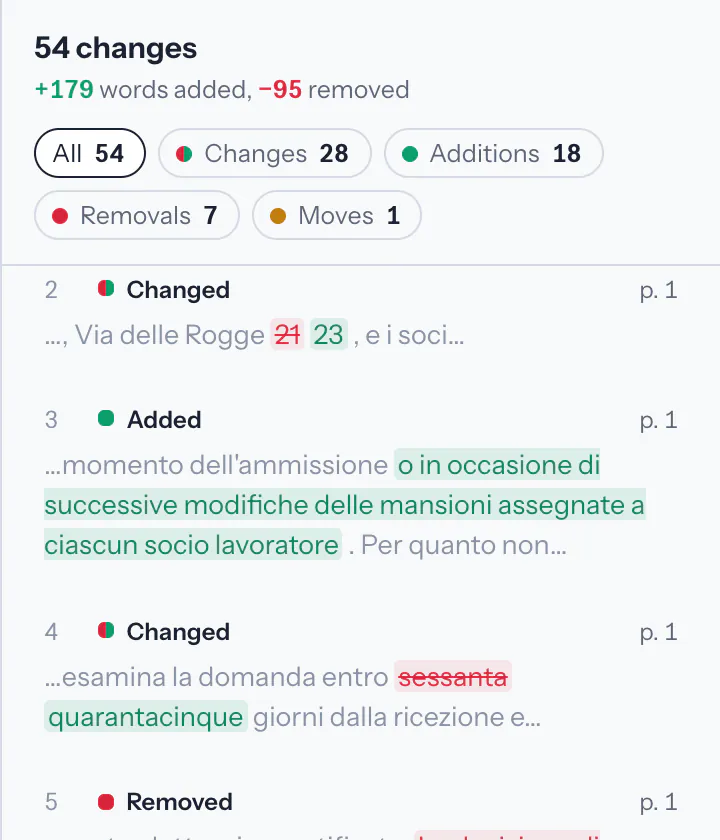
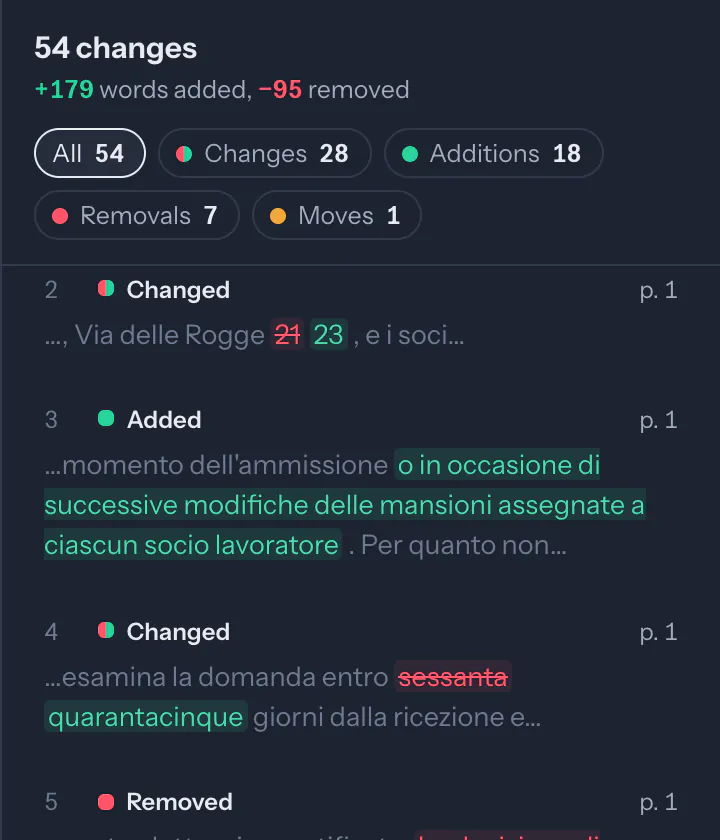
Every difference in order, with its page and the words added or removed. Filter by type and jump from one to the next with J and K.
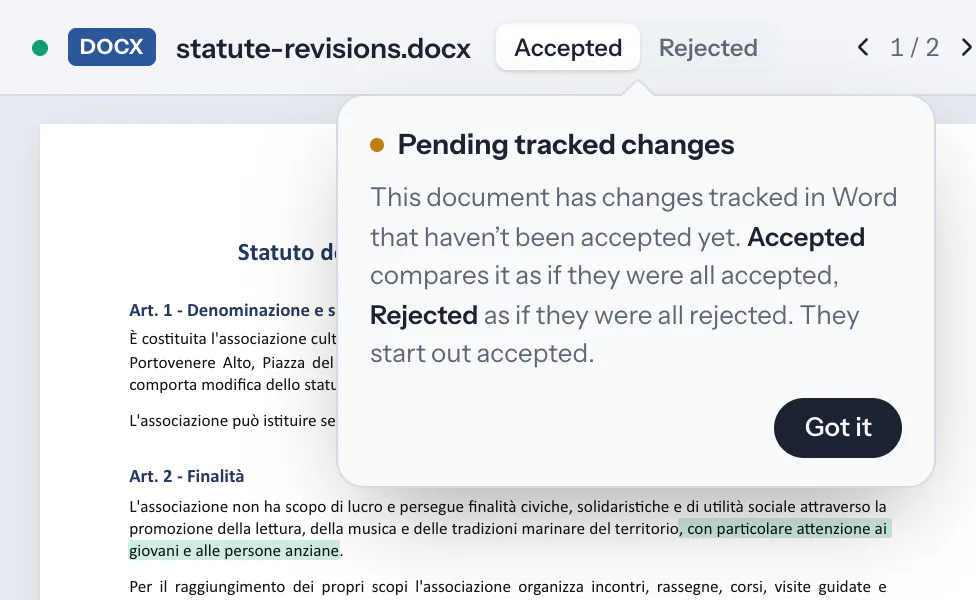
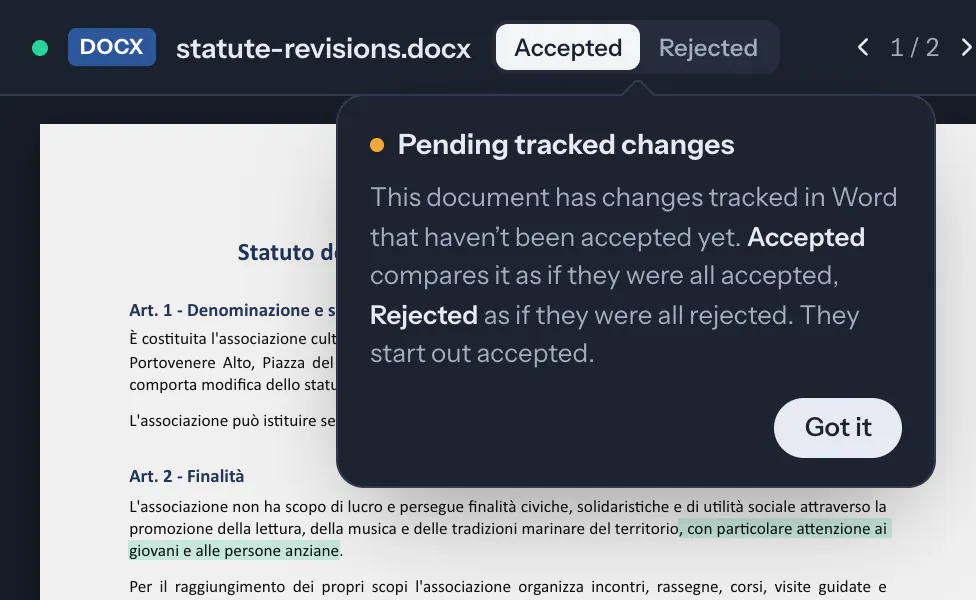
If the file still has tracked changes in it, compare it as if they were all accepted, or all rejected.
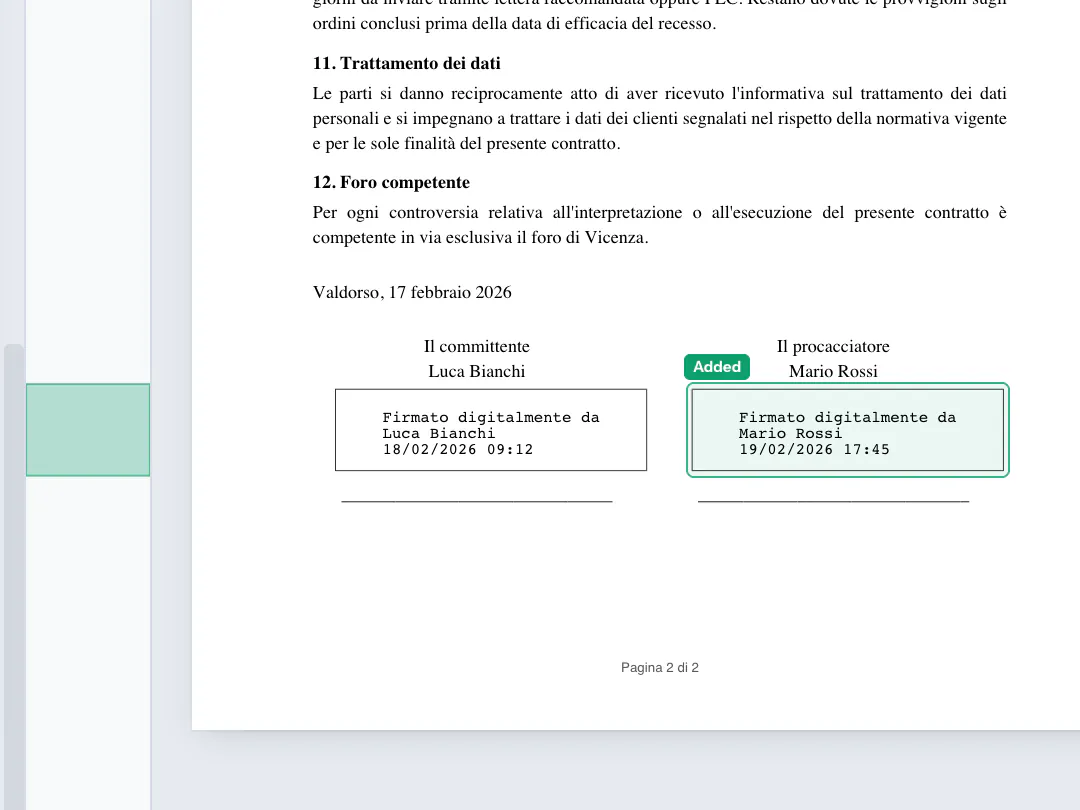
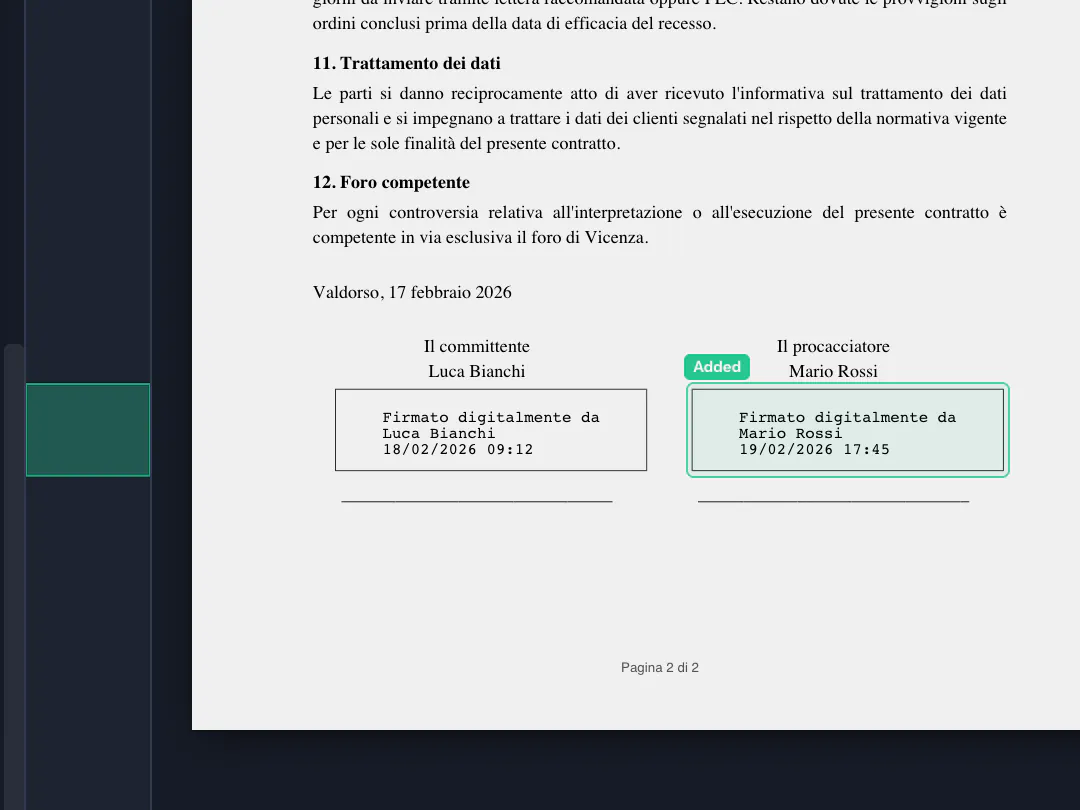
Between two PDFs, digital signatures, stamps and images that were added or removed are flagged, with the name of who signed.
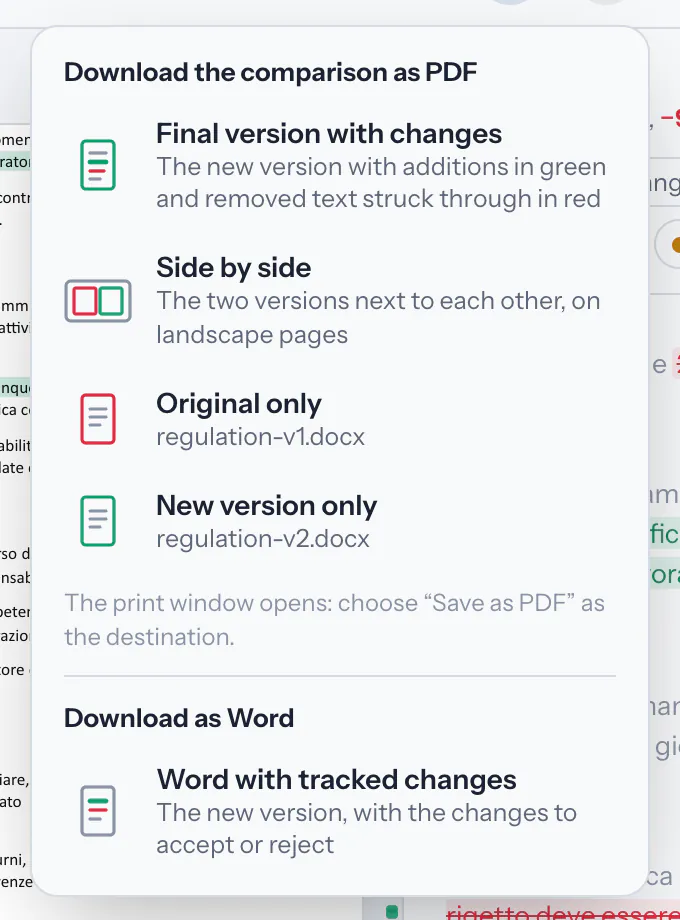
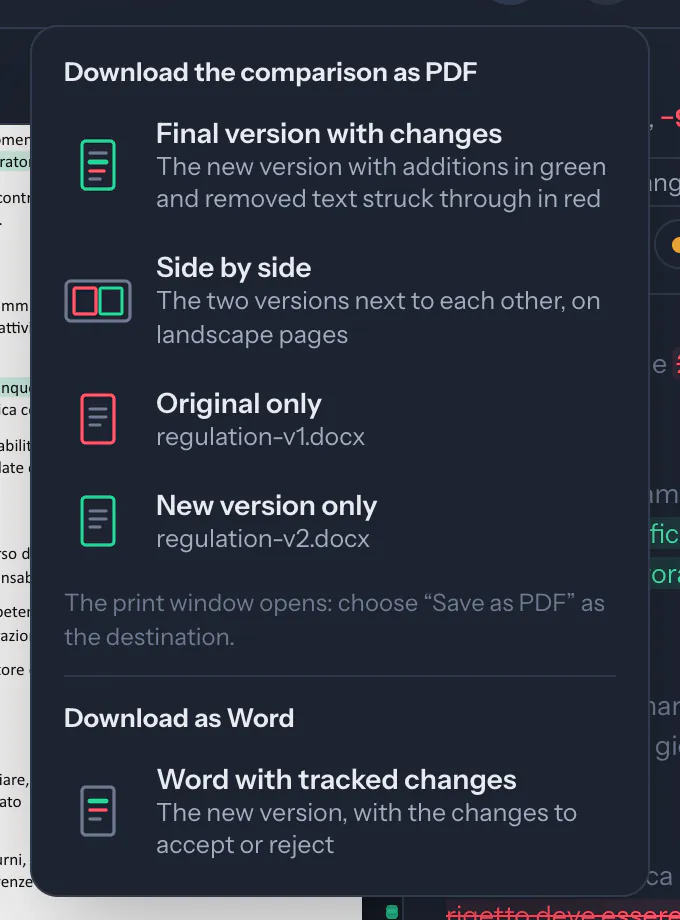
Download the new version as a Word file with tracked changes to accept or reject, or as a PDF with additions in green and removed text in red.
Your documents are read and compared in your browser, and never sent anywhere unless you choose to share them.
Send the comparison to someone with a link: it is encrypted in your browser and stops working after 7 days.
Install it as an app: after the first visit it opens and compares even without a connection. There is also an app for Mac, Windows and Linux.
This document has changes tracked in Word that haven’t been accepted yet. Accepted compares it as if they were all accepted, Rejected as if they were all rejected. They start out accepted.